> ## Documentation Index
> Fetch the complete documentation index at: https://docs.saninternet.com/llms.txt
> Use this file to discover all available pages before exploring further.
# Criar conta de e-mail no cPanel
> Veja como adicionar novos endereços de e-mail, com tamanhos customizados, através do painel cPanel de sua hospedagem.
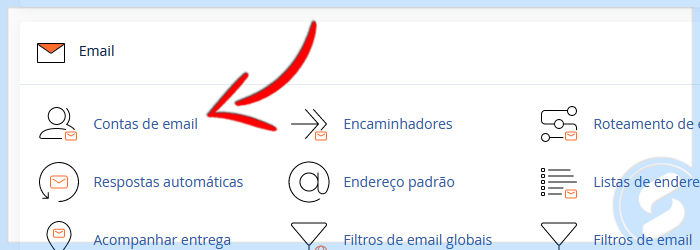
**1)** Em seu cPanel, na seção "Email" acesse a opção "Contas de email":
 **2)** Clique no botão "+CRIAR":
 **3)** Preencha os campos conforme solicitado e clique em "+CRIAR":
 This documentation is built and hosted on [Mintlify](https://mintlify.com), a developer documentation platform.